
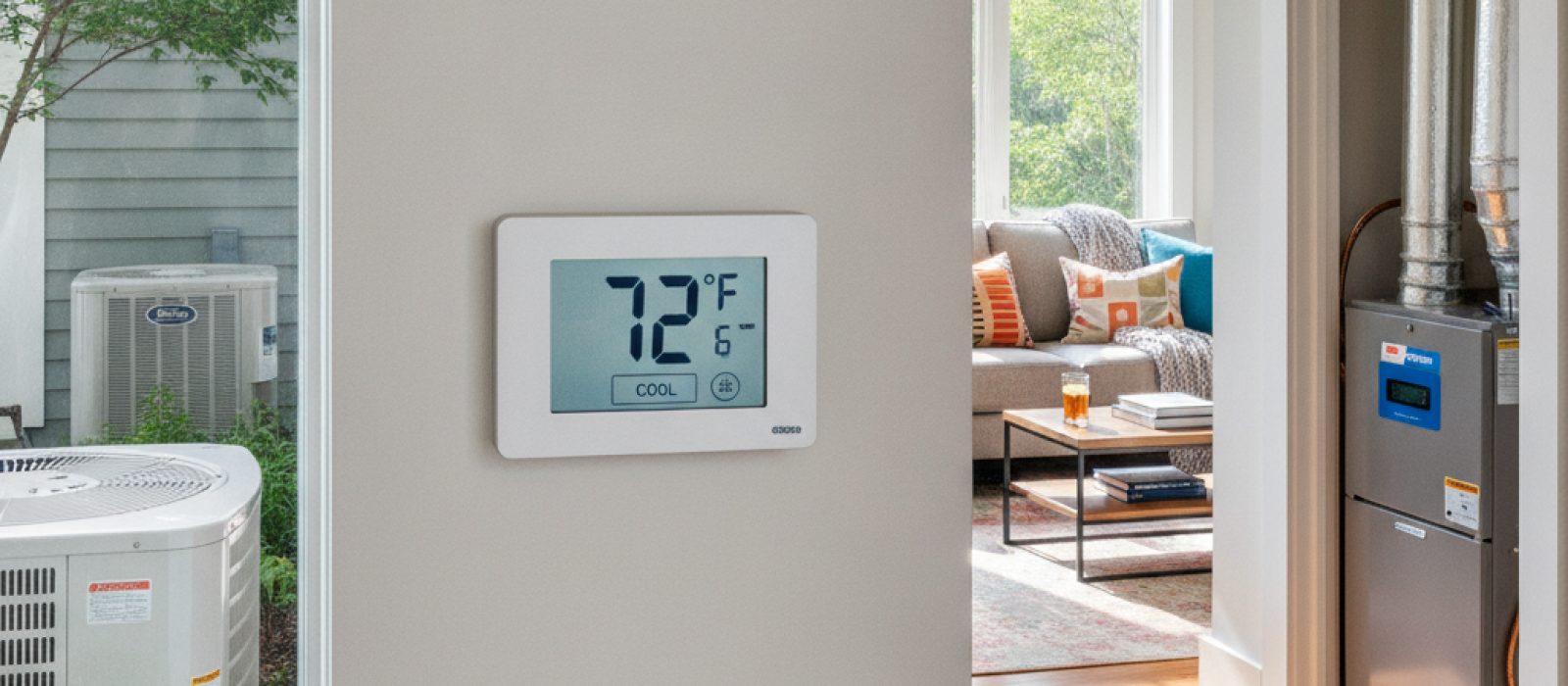
York, Ruud, Bryant and American Standard HVAC: Brand Overview
A guide to understanding the cooling technology and reliability of four major HVAC manufacturers for U.S. homeowners.
4 min read

Geofencing creates a virtual perimeter around your residence using the location services on your smartphone. When your device crosses this boundary, the smart thermostat receives a signal to adjust the indoor temperature. This technology ensures that your air conditioning system is not running at full capacity when the house is empty, yet it prepares the home for your arrival by reaching a comfortable set point as you approach.
Unlike traditional programmable thermostats that rely on rigid time-based schedules, geofencing reacts to your actual movement. This eliminates the energy waste associated with cooling an empty home during unexpected schedule changes, such as running errands or working late. It is a practical application of modern connectivity designed to balance comfort with energy conservation.
The primary benefit of geofencing is the reduction of unnecessary system runtime. When you leave the geofenced zone, the thermostat enters an 'away' mode, allowing the indoor temperature to drift toward a more efficient setting. This reduces the load on your cooling equipment, which can extend the lifespan of your system components.
Because the thermostat knows your approximate distance from home, it can calculate the time required to bring the indoor climate back to your preferred 'home' temperature. This 'recovery time' is factored into the activation process, ensuring that the cooling cycle begins just early enough to meet your needs the moment you walk through the door. If you are interested in broader efficiency gains, professional Maintenance & Tune-up visits can further ensure your equipment is operating at its peak potential.
Proper configuration is essential for the system to function reliably. Most smart thermostat applications allow you to define the radius of your geofence. A smaller radius might be appropriate for urban environments where you want the system to react only when you are very close to home, while a larger radius may be beneficial for those with longer commutes who need more lead time for the AC to cycle.
Privacy settings on your smartphone play a significant role here. You must grant the thermostat application permission to access your location 'always' or 'while using the app' for the feature to function in the background. If these permissions are restricted, the geofencing trigger will fail to fire, and the thermostat will simply default to its internal schedule or manual settings.
Geofencing can become complex in homes with multiple residents. Most systems handle this by allowing multiple smartphones to be linked to a single thermostat. You can configure the settings so that the 'home' mode remains active as long as at least one designated user is within the perimeter. Only when the last person leaves the zone does the thermostat transition to 'away' mode.
It is important to consider the 'arrival' logic in multi-user homes. If one person leaves and another stays, the system remains in 'home' mode. Only when the final occupant crosses the boundary does the energy-saving mode trigger. If you find your system is not responding correctly to multiple devices, it may be time to consult with a professional regarding your Thermostat Services to ensure the hardware and software integration is correctly calibrated.
Geofencing is not a replacement for regular system care. While it optimizes when the system runs, it does not improve the actual performance of the equipment. If you notice uneven cooling or high humidity levels even when the system is running, the issue may be related to your ductwork or refrigerant levels rather than the thermostat settings. In such cases, seeking professional AC Services is the most reliable way to diagnose underlying mechanical faults.
Additionally, remember that location services rely on GPS signals, which can be interrupted by thick building materials, subterranean parking garages, or areas with poor cellular reception. If your phone loses its GPS fix while you are driving, the thermostat may not receive the 'home' signal until you are back in a clear coverage area. Always keep a manual override option available through the thermostat's physical interface or a secondary control app.
While installing a smart thermostat is often a straightforward process, integrating it with older HVAC systems can sometimes reveal electrical limitations. If your existing wiring lacks a 'C-wire' or common wire, the thermostat may lose power intermittently, causing the geofencing feature to reset. Attempting to modify low-voltage wiring without proper training can lead to blown fuses on your control board.
If you encounter persistent connectivity issues or if your thermostat is not communicating with your cooling unit, contact a provider for Thermostat Services. A technician can verify the voltage, check the compatibility of your current system, and ensure that your smart features are configured to work seamlessly with your existing cooling infrastructure. For those looking to optimize their home environment further, exploring Energy Efficient Solutions alongside smart controls can lead to significant improvements in both comfort and utility costs.
A guide to understanding the cooling technology and reliability of four major HVAC manufacturers for U.S. homeowners.
A comprehensive look at Mitsubishi mini-split technology and Hyper-Heat performance for year-round climate control in U.S. homes.
A comprehensive guide to understanding Daikin HVAC systems, including model tiers, standard maintenance requirements, and factory warranty coverage.
A comprehensive guide to understanding Carrier air conditioning systems, efficiency ratings, installation factors, and maintenance requirements.
An objective look at Goodman HVAC systems, covering performance, longevity, and what homeowners should know before choosing a budget-friendly cooling solution.
A guide to understanding Trane residential cooling systems, including component integration and maintenance requirements for homeowners.
Be the first to comment.